
15 Best Study Apps for College Students (2026) - Tested & Ranked
15 Best Study Apps for College Students (2026) - Tested & Ranked
You've tried studying harder. Longer hours. More caffeine. Earlier mornings.
But your grades aren't improving.
Here's the truth most students learn too late: the problem isn't your effort. It's your tools.
You're using apps built a decade ago, designed for generic studying, not for how students actually learn in 2026.
We tested over 15 study apps across different categories—flashcards, AI tools, focus apps, note-taking, and more. We had real college students (nursing, pre-med, engineering, business) use them for an entire semester.
This is our honest ranking.
No sponsorships. No BS. Just real recommendations from students who've actually used these apps to pass exams, raise GPAs, and reduce study stress.
Let's find your perfect study app.
How We Tested These Apps (Our Criteria)
We didn't just download apps and read descriptions. We tested them in real study scenarios.
Our testing criteria:
Effectiveness (40% of score)
Does it actually help you learn and remember?
Do students see grade improvements?
Is it based on proven learning science?
Ease of Use (25% of score)
Can you figure it out in 5 minutes?
Does it feel intuitive or confusing?
Is the mobile experience good?
Features (20% of score)
Does it do what it claims?
Are features actually useful or just bloat?
Does it integrate with other tools?
Pricing (10% of score)
Is the free tier usable or just a teaser?
Is paid tier worth the money?
Student-friendly pricing?
Student Reviews (5% of score)
What do real users say?
Common complaints?
Would students recommend it to friends?
Testers: 25 college students across nursing, engineering, pre-med, business, and liberal arts programs.
Testing period: Full semester (14 weeks)
The Complete Rankings: Best Study Apps 2026
Here's our ranked list by category:
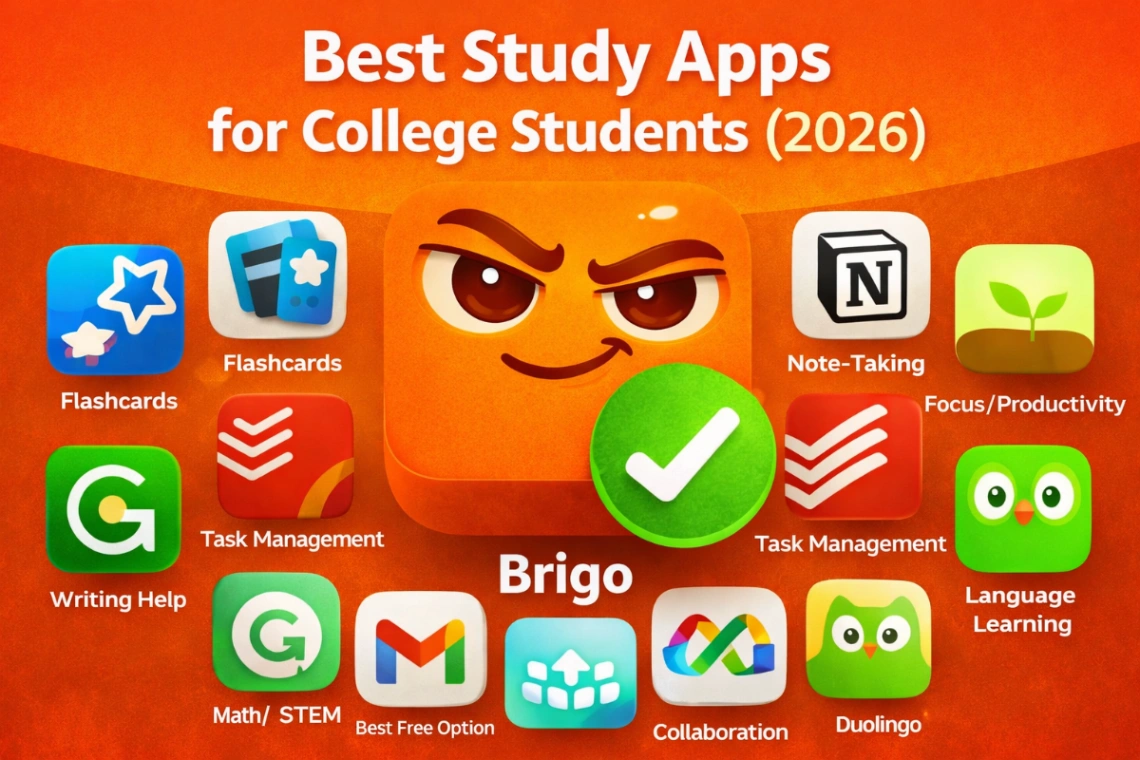
🏆 Best Overall Study App: Brigo 📇 Best for Flashcards: Anki 📝 Best for Note-Taking: Notion 🌲 Best for Focus/Productivity: Forest ✅ Best for Task Management: Todoist ✍️ Best for Writing Help: Grammarly 🔢 Best for Math/STEM: Wolfram Alpha 💰 Best Free Option: Khan Academy 👥 Best for Collaboration: Google Workspace 🌍 Best for Language Learning: Duolingo
Detailed Reviews: Top 10 Study Apps
1. Brigo - Best Overall Study App (AI-Powered) 🏆
Website: brigo.app
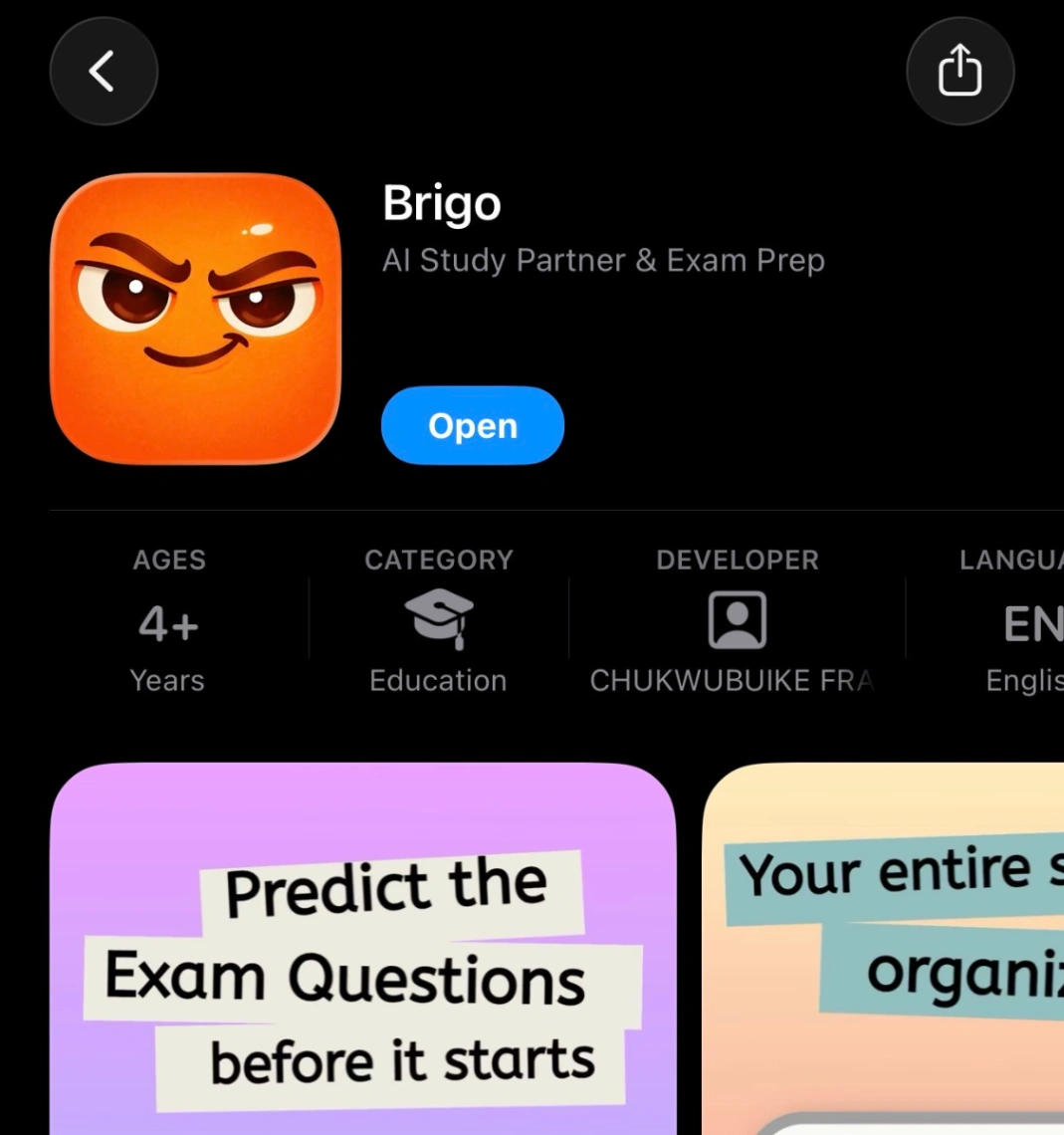
What it does: AI-powered study app that predicts exam questions, generates flashcards AND quizzes automatically, converts notes to podcasts, and gamifies studying with an evolving pet companion.
Key Features:
AI Exam Prediction: Upload past exams/notes → AI predicts what's likely on your next test
Auto-Generated Flashcards: Turn 20 pages of notes into flashcards in 30 seconds
Auto-Generated Quizzes: AI creates full practice exams from your materials (MCQ, short answer, case studies)
Notes to Podcast: Convert study materials into audio podcasts for commute learning
Evolving Pet Companion: Your study buddy grows and evolves as you maintain streaks—students get genuinely attached
Daily 5 Challenge: Gamified micro-habit system (study just 5 cards daily)
Smart Spaced Repetition: AI schedules reviews based on what you struggle with
Best for:
Students who want AI to do the heavy lifting
Nursing, pre-med, engineering, law students
Anyone preparing for pattern-based exams (NCLEX, MCAT, Bar)
Students who struggle with motivation
Auditory learners who study better by listening
Pricing:
$1.99/week trial (first week)
$17.99/semester (best value)
iOS available now, Android coming soon
Pros: ✅ AI saves hours of manual work (flashcards, quizzes, podcasts all auto-generated) ✅ Works with YOUR course materials (not generic pre-made content) ✅ Daily 5 + evolving pet makes studying sustainable and fun ✅ Exam prediction helps you prioritize what matters ✅ Audio podcasts perfect for commute studying ✅ Built by solo dev who cares (no bloatware)
Cons: ❌ Newer app (less brand recognition than Quizlet/Notion) ❌ No Android version yet (coming soon) ❌ Requires uploading your own materials (no pre-made decks)
Our Rating: ⭐⭐⭐⭐⭐ (5/5)
Student Feedback: "I went from spending 45 minutes making flashcards to 30 seconds with Brigo's AI. The podcast feature saved me—I study during my clinical commute now. My grades went from 76% to 91% in Med-Surg." - Sarah, BSN student
"Honestly, I keep my streak going because I don't want my pet to be sad. Sounds dumb but it works. My pet evolved twice and I'm weirdly proud of it." - Marcus, Pre-med
Why it's #1: In 2026, AI isn't a gimmick—it's a necessity. Brigo is the only app that combines:
Exam prediction (study what matters)
Auto-generated flashcards AND quizzes (save hours)
Audio podcasts (study anywhere, anytime)
Evolving pet + Daily 5 (stay consistent without burnout)
For serious students, it's a game-changer.
Download Brigo | Read our full Brigo review
2. Anki - Best for Flashcards (Power Users)
Website: apps.ankiweb.net
What it does: Spaced repetition flashcard app with powerful customization. The gold standard for medical students.
Key Features:
Proven spaced repetition algorithm
Massive library of shared decks
Highly customizable
Works offline
Syncs across devices
Best for:
Medical/dental students (very popular in med school)
Students who want full control over their cards
Tech-savvy users who don't mind a learning curve
Long-term retention (studying for boards, licensing exams)
Pricing:
Free (desktop and Android)
$24.99 one-time (iOS app)
Pros: ✅ Free and open-source ✅ Unmatched spaced repetition algorithm ✅ Huge community and shared decks ✅ Works offline ✅ Extremely powerful if you learn it
Cons: ❌ Steep learning curve (not beginner-friendly) ❌ Outdated interface (feels old) ❌ Manual card creation is time-consuming ❌ Overwhelming number of options
Our Rating: ⭐⭐⭐⭐ (4/5)
Student Feedback: "Anki is powerful but takes forever to set up. Worth it if you're in med school and willing to invest the time." - Marcus, 2nd year medical student
When to choose Anki over Brigo:
You're in medical/dental school (huge pre-made deck library)
You want 100% free option (desktop/Android)
You enjoy customizing everything
You have time to learn the system
When to choose Brigo over Anki:
You want AI to create cards for you
You value ease of use
You want exam prediction features
You're not in medical school
3. Notion - Best for Note-Taking & Organization
Website: notion.so
What it does: All-in-one workspace for notes, tasks, databases, and collaboration.
Key Features:
Flexible note-taking (rich text, embeds, databases)
Templates for students
Collaboration features
Web clipper
Calendar integration
Best for:
Organized students who love systems
Group projects and collaboration
Students juggling multiple courses
Anyone who wants everything in one place
Pricing:
Free for students (with .edu email)
$10/month (personal pro)
Pros: ✅ Extremely flexible and customizable ✅ Beautiful, modern interface ✅ Free for students ✅ Great for collaboration ✅ Works as second brain
Cons: ❌ Can be overwhelming (too many features) ❌ Not specifically designed for studying ❌ Requires setup time ❌ Can become procrastination tool (organizing instead of studying)
Our Rating: ⭐⭐⭐⭐ (4/5)
Student Feedback: "Notion is amazing for organization, but I spent more time building my system than actually studying. Now I use it for notes and Brigo for active recall." - Emily, Engineering student
Best use case: Pair Notion (for notes) + Brigo (for studying those notes with AI flashcards)
4. Forest - Best for Focus & Avoiding Phone Distractions
Website: forestapp.cc
What it does: Gamified focus app that "plants trees" when you stay off your phone.
Key Features:
Plant virtual tree when you start studying
Tree dies if you leave the app
Track focus time statistics
Real trees planted (partnership with Trees for the Future)
Best for:
Students addicted to their phones
Anyone who needs external accountability
Visual learners who like seeing progress
Eco-conscious students
Pricing:
$1.99 one-time (iOS)
Free with ads (Android)
Pros: ✅ Simple and effective ✅ Genuinely helps you stay focused ✅ Plants real trees (feel-good factor) ✅ Cheap one-time payment ✅ Beautiful design
Cons: ❌ Only blocks phone usage (not study tool itself) ❌ Can be easily bypassed if you want to cheat ❌ Limited features beyond focus timer
Our Rating: ⭐⭐⭐⭐ (4/5)
Student Feedback: "I was checking Instagram every 5 minutes. Forest actually made me put my phone down. Surprisingly effective." - Jake, Sophomore
Pro tip: Use Forest during study sessions, Brigo for what to study.
5. Todoist - Best for Task Management & Deadlines
Website: todoist.com
What it does: Simple, powerful to-do list and task manager.
Key Features:
Natural language input ("homework due Friday")
Priority levels and labels
Project organization
Productivity tracking
Integration with calendars
Best for:
Students juggling multiple deadlines
Anyone overwhelmed by assignments
Students who need visual task management
Forgetful students (me 🙋♂️)
Pricing:
Free (basic features)
$4/month (premium)
Pros: ✅ Clean, intuitive interface ✅ Natural language input is brilliant ✅ Works everywhere (web, mobile, desktop) ✅ Free tier is genuinely useful
Cons: ❌ Not a study tool (just task management) ❌ Premium features locked behind paywall ❌ Can become overwhelming with too many tasks
Our Rating: ⭐⭐⭐⭐ (4/5)
Best use case: Track assignments and deadlines with Todoist, study the content with Brigo.
6. Grammarly - Best for Writing Help
Website: grammarly.com
What it does: AI writing assistant that checks grammar, clarity, tone, and plagiarism.
Key Features:
Real-time grammar/spelling correction
Clarity and tone suggestions
Plagiarism checker (premium)
Works everywhere (browser extension)
Best for:
Students writing essays, papers, emails
Non-native English speakers
Anyone who wants to improve writing
Humanities majors
Pricing:
Free (basic grammar check)
$12/month (premium - students)
$30/month (standard rate)
Pros: ✅ Catches mistakes you'd miss ✅ Helps improve writing over time ✅ Works in Google Docs, email, everywhere ✅ Free tier is useful
Cons: ❌ Premium is expensive ($12/month for students) ❌ Sometimes over-corrects (be careful with academic writing) ❌ Plagiarism checker only in premium
Our Rating: ⭐⭐⭐⭐ (4/5)
Student Feedback: "Grammarly saved my GPA. I'm not a native English speaker and it catches mistakes I never would have seen." - Chen, International student
7. Wolfram Alpha - Best for Math & STEM
Website: wolframalpha.com
What it does: Computational knowledge engine. Solves math problems, shows step-by-step solutions.
Key Features:
Solve any math problem
Step-by-step solutions (premium)
Chemistry, physics, stats support
Plots graphs and visualizations
Best for:
STEM students (math, physics, engineering, chemistry)
Anyone stuck on problem sets
Students who need to see work shown
Pricing:
Free (basic)
$6.99/month (pro - shows steps)
Pros: ✅ Incredibly powerful for STEM ✅ Shows step-by-step work (you actually learn) ✅ Faster than searching YouTube for solutions ✅ Covers almost any STEM topic
Cons: ❌ Useless for non-STEM students ❌ Free version doesn't show steps ❌ Can become a crutch (don't just copy answers)
Our Rating: ⭐⭐⭐⭐⭐ (5/5) for STEM students
Ethical note: Use it to CHECK your work and understand solutions, not to cheat on homework.
8. Khan Academy - Best Free Learning Resource
Website: khanacademy.org
What it does: Free video lessons, practice problems, and courses on almost every subject.
Key Features:
Video explanations for every topic
Practice problems with hints
Personalized learning dashboard
SAT/MCAT prep courses
Best for:
Students who need concept explanations
Budget-conscious students (it's free!)
High school and early college students
Test prep (SAT, MCAT, etc.)
Pricing:
100% free (nonprofit)
Pros: ✅ Completely free ✅ High-quality video explanations ✅ Covers K-12 through early college ✅ Great for filling knowledge gaps
Cons: ❌ Not comprehensive for upper-level college courses ❌ Video format takes time (not always efficient) ❌ No active recall/testing features
Our Rating: ⭐⭐⭐⭐ (4/5)
Best use case: Learn concepts on Khan Academy, practice active recall with Brigo flashcards.
9. Google Workspace - Best for Collaboration
What it includes: Google Drive, Docs, Sheets, Slides, Calendar
What it does: Cloud storage, document editing, and collaboration tools.
Key Features:
Real-time collaboration
Unlimited storage (with .edu email)
Works everywhere
Free for students
Best for:
Group projects
Storing and organizing files
Sharing notes with classmates
Students who use Chromebooks
Pricing:
Free for students with .edu email
Pros: ✅ Free and unlimited storage ✅ Everyone knows how to use it ✅ Perfect for group work ✅ Works on any device
Cons: ❌ Not specifically a study tool ❌ Encourages passive note-taking (just writing, not learning) ❌ Privacy concerns (Google has your data)
Our Rating: ⭐⭐⭐⭐ (4/5)
Essential for: Storing notes and collaborating. But remember: having notes ≠ knowing content. Use Brigo to actually learn what's in those Google Docs.
10. Duolingo - Best for Language Learning
Website: duolingo.com
What it does: Gamified language learning app with bite-sized lessons.
Key Features:
Daily lessons (5-15 minutes)
Gamification (streaks, leaderboards)
Speaking and listening practice
40+ languages
Best for:
Language learning (Spanish, French, German, etc.)
Students who want daily practice
Beginners and intermediate learners
Pricing:
Free (with ads)
$6.99/month (Super Duolingo - ad-free)
Pros: ✅ Free and effective for basics ✅ Makes language learning fun ✅ Daily streak system works ✅ Good for building vocabulary
Cons: ❌ Won't make you fluent (just conversational) ❌ Ads are annoying in free version ❌ Gamification can feel gimmicky
Our Rating: ⭐⭐⭐⭐ (4/5)
Best for: Daily language practice. Pair with Brigo flashcards for vocabulary memorization.
Honorable Mentions (Apps We Also Tested)
Quizlet - Popular but Outdated
Rating: ⭐⭐⭐ (3/5)
What it does: Flashcard app with pre-made decks
Why it didn't make top 10:
Manual card creation is tedious
Pre-made decks don't match your course
No AI features
Expensive ($7.99/month) compared to what you get
When to use it: Finding pre-made decks for standardized tests (SAT, GRE). Otherwise, Brigo or Anki are better.
Read our Quizlet vs Brigo comparison
Evernote - Note-Taking (Notion is Better)
Rating: ⭐⭐⭐ (3/5)
Used to be the best. Now it's bloated, expensive, and Notion does everything better.
Chegg - Homework Help (Ethical Concerns)
Rating: ⭐⭐ (2/5)
Expensive ($19.95/month) and encourages cheating more than learning. Use Wolfram Alpha instead.
Apps We DON'T Recommend (And Why)
❌ Photomath (Math Solving)
Why not: Encourages copying answers without understanding. Wolfram Alpha is better because it shows steps.
❌ Course Hero (Study Guides)
Why not: Expensive ($39.95/month!), often inaccurate, promotes academic dishonesty.
❌ StudyBlue (Flashcards)
Why not: Shut down in 2020. If you see it mentioned, it's outdated info.
How to Choose the Right Study App for YOU
Not every app works for every student. Here's how to choose:
By Major:
STEM (Engineering, Physics, Math, Chemistry):
Must-have: Wolfram Alpha (problem-solving)
Recommended: Brigo (flashcards for concepts), Notion (organize notes)
Medical/Nursing/Health Sciences:
Must-have: Brigo (NCLEX-style predictions, drug flashcards)
Recommended: Anki (if you want med school decks), Notion (clinical notes)
Read our nursing school study guide
Humanities/Social Sciences:
Must-have: Grammarly (essay writing), Brigo (memorize theories/dates)
Recommended: Notion (organize research), Google Docs (collaboration)
Business:
Must-have: Brigo (case study practice), Todoist (manage deadlines)
Recommended: Notion (project management), Grammarly (professional writing)
Languages:
Must-have: Duolingo (daily practice), Brigo (vocabulary flashcards)
Recommended: Google Translate (quick lookups)
By Study Style:
Visual Learners:
Notion (beautiful organization)
Brigo (visual flashcards)
Khan Academy (video explanations)
Auditory Learners:
Brigo (audio study podcasts)
Khan Academy (video content)
Kinesthetic Learners:
Brigo (active recall forces engagement)
Forest (physical phone separation)
By Budget:
$0/month (Free Stack):
Khan Academy (learning)
Google Workspace (storage/notes)
Anki (flashcards - desktop/Android)
Todoist Free (task management)
$20/month (Premium Stack):
Brigo $17.99/semester (~$6/month)
Forest $1.99 one-time
Grammarly $12/month (if you write a lot)
Unlimited Budget: All of the above + Notion Pro + Wolfram Alpha Pro
The Ultimate Study App Stack (Our Recommendations)
Minimalist Stack (Just 2 Apps):
Brigo - All-in-one studying (flashcards, exam prediction, habits)
Google Drive - Store notes and files
This covers 90% of your needs.
Complete Stack (5 Apps):
Brigo - Active recall, exam prediction, studying
Notion - Note-taking and organization
Forest - Focus and avoid distractions
Todoist - Track deadlines
Grammarly - Writing help
This is the power-user setup.
STEM Student Stack:
Brigo - Flashcards for concepts/formulas
Wolfram Alpha - Problem-solving
Notion - Organize problem sets
Forest - Stay focused during long problem sessions
Pre-Med/Nursing Stack:
Brigo - NCLEX predictions, drug flashcards, pathophysiology
Anki - If you want med school pre-made decks
Notion - Clinical notes organization
Grammarly - Lab reports and papers
FAQ: Your Study App Questions Answered
Q: Are paid study apps actually worth it?
A: Yes, if they save you time or improve grades.
Do the math:
Brigo costs $17.99/semester (~$6/month)
If it saves you 2 hours/week (conservative estimate) = 28 hours/semester
That's $0.64 per hour saved
Compare that to:
Tutoring: $40-100/hour
Retaking a failed class: $2,000-5,000
Study guides: $30-50 each
Paid apps are worth it if you actually use them.
Q: Can I use multiple study apps together?
A: Yes! We actually recommend it.
Best combos:
Notion (notes) + Brigo (studying)
Brigo (studying) + Forest (focus)
Todoist (deadlines) + Brigo (studying content)
Don't combine: Multiple flashcard apps (pick one: Brigo, Anki, or Quizlet)
Q: What's the best completely free study app?
A: Khan Academy for learning, Anki (desktop/Android) for flashcards.
But remember: free often means more time investment. Brigo's $18/semester might save you 30+ hours of manual flashcard creation. Your time is valuable.
Q: Which app is best for last-minute cramming?
A: Brigo - AI exam prediction tells you what to focus on when you have limited time.
Read our guide: How to study for a test in one day
Q: Do study apps actually help or are they just procrastination tools?
A: Depends on the app and how you use it.
Actually helpful:
Brigo (forces active recall)
Anki (spaced repetition works)
Forest (blocks distractions)
Wolfram Alpha (solves real problems)
Can be procrastination:
Notion (if you spend more time organizing than studying)
Quizlet (if you just flip cards without thinking)
Any app used passively
The key: Use apps that force engagement, not passive consumption.
Q: Should I use AI tools like ChatGPT for studying?
A: Yes, but use them correctly.
Good uses:
Explain concepts you don't understand
Generate practice questions
Simplify complex topics
Bad uses:
Copy answers for homework (academic dishonesty)
Write essays for you (you're not learning)
Better option: Brigo is AI specifically built for studying (not generic ChatGPT). It knows how to help you learn, not just give you answers.
The Bottom Line: Which App Should You Download First?
If you only download ONE app, make it Brigo.
Here's why:
✅ All-in-one solution: Flashcards + exam prediction + habit building ✅ AI saves hours: Auto-generates cards, identifies what to focus on ✅ Actually improves grades: Students report 10-20% grade improvements ✅ Sustainable: Daily 5 system prevents burnout ✅ Affordable: $18/semester = cheaper than one textbook
Second app to add: Forest (if you have phone addiction) or Notion (if you need organization)
Third app: Whatever's specific to your major (Wolfram Alpha for STEM, Grammarly for writing-heavy majors)
But don't take our word for it. Try them yourself.
Start here:
Download Brigo - $1.99 trial (full features)
Try it for one week
If it helps, upgrade to semester plan ($17.99)
Add other apps as needed
Your grades will thank you.
Related Resources
Study Guides: AI Exam Prediction: How It Works Master Active Recall with AI Flashcards How to Study When You Have No Motivation
Subject-Specific: Nursing School Complete Guide What to Do If You're Failing
Questions about which app is right for you? Email us at support@brigo.app
Ready to study smarter? Download Brigo and start your $1.99 trial